One of the biggest frustrations I hear from coaching clients, and even members of my free Facebook group, is how difficult it feels to write pin descriptions.
Many bloggers and business owners say it’s harder than designing the pin itself, which is why so many start searching for a Pinterest description generator.
They might already know they need the right keywords, a hook that makes someone stop scrolling, and a call-to-action that inspires clicks. But coming up with fresh wording every single time?
That’s where most people get stuck, so the idea of pressing a button and instantly getting a ready-to-use description is tempting.
But after managing Pinterest accounts for over five years, I can confidently say: AI tools rarely give you what you need to rank and grow straight off the bat.
Instead, I’ll show you how to generate descriptions quickly without relying on AI and I’ll give you a system you can reuse again and again.
This post may contain affiliate links. When you make a purchase, I make a commission at no extra cost to you.
Why AI Descriptions Fail Pinterest SEO
AI writing tools can be clever, but they aren’t built with Pinterest SEO in mind. That’s a big problem when you’re relying on search visibility to grow your account.
Here’s what I’ve seen when testing AI-generated pin descriptions for clients:
- Dropped keywords: For one food blogger client, I asked AI to write an “easy taco recipe” description. The final draft didn’t even include the word “taco”. On Pinterest, that means the pin wouldn’t stand a chance of ranking.
- Overstuffed text: Another time, it churned out a description that repeated the same keyword five times. It looked spammy, which turns users off and the algorithm doesn’t reward it either.
- Wrong format: AI often writes like it’s creating a blog meta description, not a Pinterest pin. It ends up vague and promotional rather than clear and actionable.
The takeaway? If you don’t already know Pinterest SEO, AI won’t magically optimise your descriptions.
And if you do know Pinterest SEO, without the right prompt to begin with you’ll often spend more time fixing its mistakes than if you’d just written the description yourself.
That’s exactly why I built a set of templates that focus on what Pinterest actually wants, clear, keyword-rich descriptions that also connect with readers.
What Makes a High-Performing Pin Description
Through years of managing accounts across different niches, from lifestyle bloggers to luxury eCommerce brands, I’ve seen patterns in what makes certain pin descriptions work.
A strong description always has these four elements:
- Primary keywords – naturally placed so they read well.
- A hook – addressing the problem your audience wants to solve.
- Clarity – explaining exactly what they’ll get if they click.
- A call-to-action – encouraging engagement (save, click, or try).
Here’s an example of what doesn’t work:
❌ “8 healthy dinner recipes, easy quick dinner meal prep ideas, simple weeknight ideas.”
It’s just a list of keywords. There’s no hook, no flow, and no call-to-action. Now compare it with this version:
✅ “Need healthy dinner recipes fast? These quick dinner ideas make meal prep simple. Perfect for busy weeknights. Grab the recipes here!”
The second version still uses keywords, but it also connects with the reader, tells them exactly what to expect, and encourages them to click.
When I rewrote a client’s descriptions using this approach, they saw a 15% month-on-month increase in traffic within three months. Six months later, their year-on-year growth was nearly 290%. While results vary, the pattern is clear: descriptions that are structured for both SEO and readers outperform generic ones.
How to Generate Descriptions Without AI
The fastest way to write descriptions is to start with a formula that already works and then adapt it to your pin.
Here’s one I use regularly with clients in the food and lifestyle niches:
Template:
“[Keyword/topic] doesn’t have to be [pain point]. With these [X tips/ideas/recipes/keywords], you’ll be able to [benefit]. Perfect for [audience/keyword].”
Example:
“Meal planning doesn’t have to be stressful. With these 5 easy recipes, you’ll be able to cook healthy meals in less time. Perfect for busy parents looking for quick and easy weeknight meal ideas.”
That’s one optimised description written in seconds.
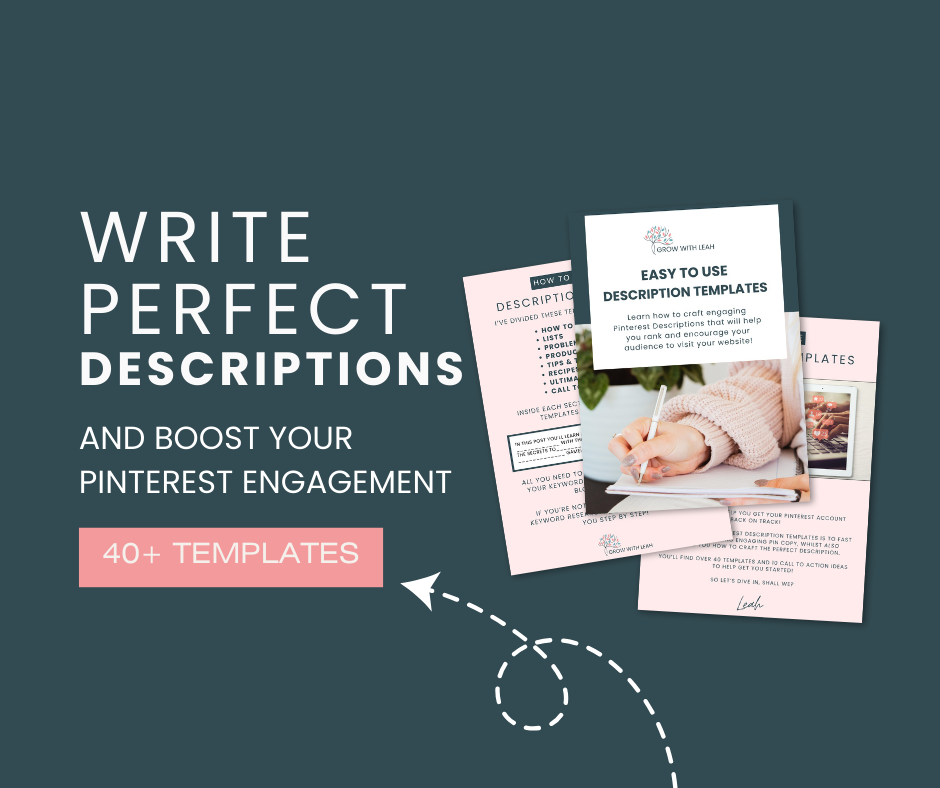
👉 In my Pinterest Description Template Pack, I share formulas just like this for different types of pins – recipes, tutorials, product pins, service-based offers, and more. That way, you always have the right structure to start from, no matter what you’re pinning.
Ready to Write Descriptions That Drive Clicks?
AI isn’t going to make your pins rank if you don’t already understand Pinterest SEO.
Strong pin descriptions always come back to the basics: keywords, clarity, and connecting with your audience’s needs.
The challenge is writing them consistently across every single pin without running out of steam. That’s exactly why I created my Pinterest description templates, to give you a shortcut that works like a generator but with proven SEO structures behind it.
👉 Grab the templates here and start writing descriptions that get seen, saved, and clicked.

